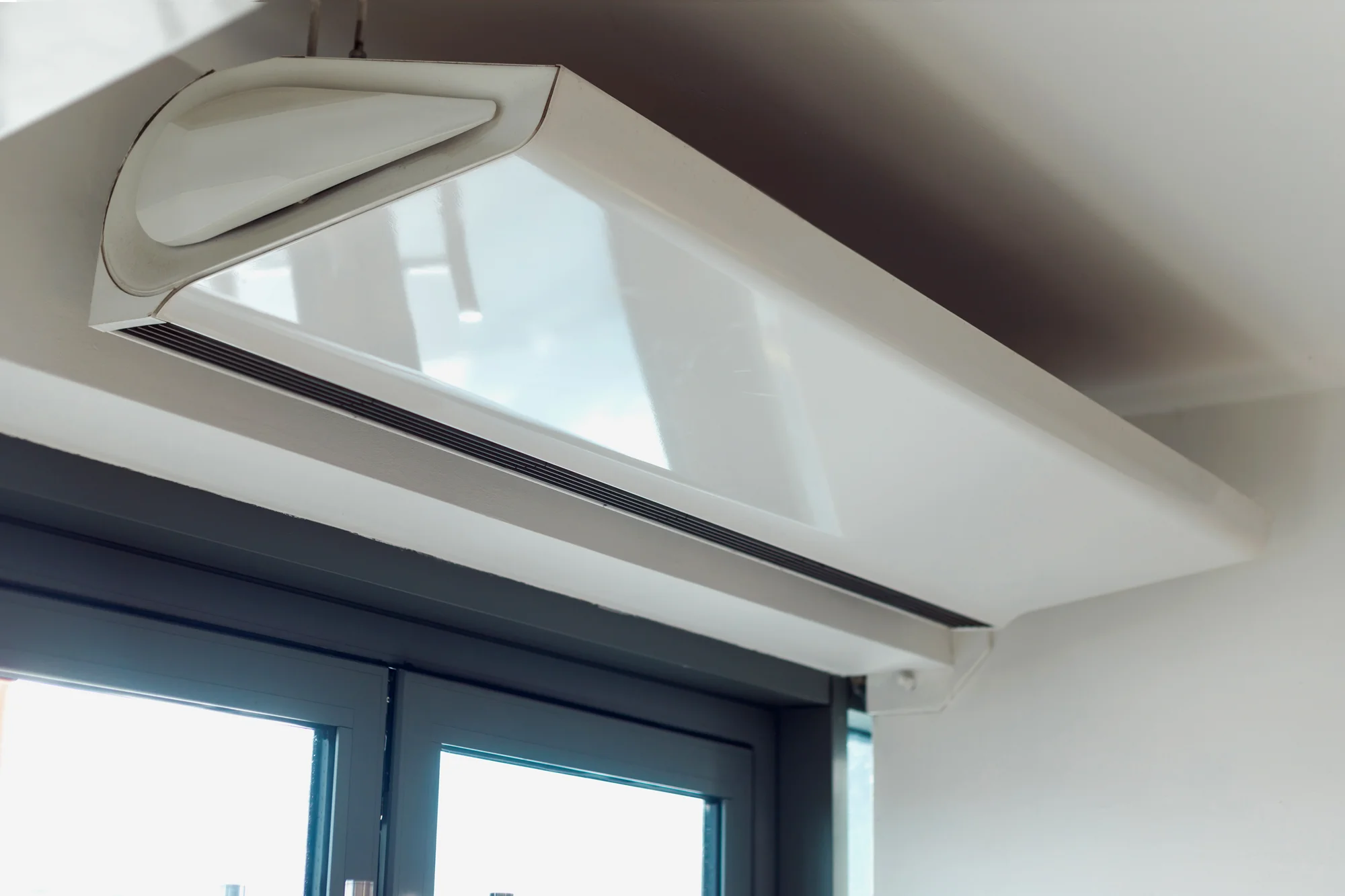
After a brownout, check the power situation through ordinary official channels and follow your aircon’s restart instructions before using it again. Do not repeatedly switch the unit on and off to force a response. Some equipment has model-specific restart behavior, while new error messages, smoke, burning smells, leakage near electricity, or repeated power trips need professional attention. A power interruption and an appliance fault are related possibilities, not the same diagnosis.
Confirm whether power has returned to the property
Use the information available through your electricity provider and building management. In a condo, common areas and individual units may have different supply arrangements, so a lit hallway does not necessarily explain the power situation in your room. Do not open electrical panels to investigate.
For Meralco-served properties, the official outages center provides a place to check or report an interruption. Follow your own utility’s official channels if the property is served elsewhere. Keep the outage time and any notice with the equipment record if a later complaint needs assessment. Avoid treating a social-media report from a different neighborhood as confirmation that the supply at your property is ready for every appliance.
Read the exact model’s restart guidance
Find the operating instructions for the installed model, including any automatic restart feature or stated delay. Different equipment can behave differently after an interruption. A manual for a similar-looking unit may not describe your aircon’s controls.
Follow normal user instructions rather than copying a reset sequence from an unrelated video. Do not enter service menus or alter protective settings. If the unit does not respond as expected, record the display and ask the manufacturer or appropriate provider for guidance. A delay described by the manual should not be confused with proof of a failed compressor. Equally, an unexplained warning should not be dismissed because someone else’s unit restarts automatically. The equipment documentation provides the relevant reference.
Check the room and visible equipment condition
From a safe position, look for damage, water, or other changes that may have occurred during the interruption. Keep people away from wet electrical items or a visibly damaged area. If a hazard is present, follow the property’s appropriate response process instead of attempting a normal restart.
Do not remove the aircon cover or reach behind the unit to inspect wiring. A homeowner’s role is to identify visible concerns and communicate them. Record whether the equipment was operating before the brownout and whether the room experienced a leak or other incident. These details can help separate an ordinary interruption from an equipment complaint needing assessment. If the condition is unclear, seek suitable help before trying to restore cooling through repeated power cycling.
Keep settings and schedules understandable
After power returns, check ordinary settings through the manual. A timer, sleep program, or app schedule may affect what the resident expects to happen. Photograph the current remote display if something seems unfamiliar. Do not assume every displayed symbol has the same meaning across brands.
If several people use the room, agree on one normal operating plan rather than each person pressing a different reset combination. Keep the instructions available for anyone receiving the service provider. A record of the selected mode and timer is useful if the unit later appears to stop unexpectedly. It also prevents an appointment from beginning with an inaccurate statement that no settings were changed after the outage when several household members have already attempted different actions.
Avoid repeated restarts and improvised electrical arrangements
Do not keep resetting a breaker, changing protective devices, or moving the unit onto an improvised extension setup to see whether it runs. Those actions can conceal a condition that needs proper assessment. Electrical requirements depend on the actual equipment and installation.
If power protection operates repeatedly, the unit produces a burning smell, or another warning appears, stop ordinary use and obtain appropriate professional assistance. The guide to when an aircon needs a technician explains the wider service boundary. You do not need to diagnose the electrical fault before requesting help. Provide the model, timeline, and visible indication, and leave internal tests and supply changes to people with the appropriate competence and procedures.
Record an error or changed behavior without guessing its meaning
Copy the exact visible code or take a safe photograph. Include when it appeared and whether the display belongs to the remote, indoor unit, or an app. Codes and indicator patterns are model-specific, so an internet answer for another unit may be misleading.
Do not clear a warning through an undocumented method merely to make the display look normal. Ask what the manual or provider recommends. Also, note ordinary behavior such as a fan running without expected cooling, but avoid opening equipment to confirm which internal part is active. A concise report can state what the resident observed and what remains uncertain. That is more useful than selecting a replacement part because its name appears in a generic error-code discussion.
Keep electricity-use questions separate from fault diagnosis
An outage may affect how many hours the aircon operated, but that does not identify a repair requirement or explain every later bill change. Use the aircon electricity-consumption guide for model-based estimation and ordinary operating assumptions.
If the unit’s behavior changed, request an assessment on its own facts. Do not assume that a high bill proves damage from the brownout or that a low bill proves normal operation. Record the operating history, settings, and service findings separately. The maintenance guide helps organize ongoing care after any fault has been addressed. Keeping these topics distinct makes it easier to request the right kind of help instead of combining electricity billing, cleaning, and electrical repair into one unsupported explanation.
Coordinate support and access
If the aircon needs assessment, send the model, outage timing, observed changes, and any visible code before the appointment. Explain building access requirements and identify who can approve work. If management controls the relevant electrical or outdoor area, arrange the proper contact in advance.
Ask whether the visit is diagnosis, cleaning, or another defined service. A brownout does not automatically make cleaning the appropriate response. Keep the quotation and findings with the equipment records. If the provider identifies a supply-related concern outside the appliance scope, ask how that will be referred or coordinated. The handoff should make clear which issue was assessed and which still needs attention before normal use resumes.
A practical restart decision for a condo resident
Imagine power returns after an interruption, but the resident’s aircon does not immediately behave as expected. The resident checks the manual’s ordinary restart guidance, notes the remote settings, and asks management about the unit’s supply arrangement. No cover is opened and no repeated breaker reset is attempted.
A warning remains, so the resident sends the exact model and a photograph to the provider. The appointment is booked as an assessment rather than an automatic cleaning or refill. After service, the record explains what was found and any remaining instruction. This process gives a practical response to the actual event without assuming every delayed restart is a failed component or that a power interruption can be resolved through one universal reset sequence.
Apply the checklist to your service inquiry
For example, imagine that power returns after an interruption and the aircon does not behave as expected. Follow the unit’s guidance and any relevant property instructions. Do not repeatedly reset or force operation when there is a concerning symptom. Tell the provider what happened before the interruption, after restoration, and during any appropriate restart attempt.
Organize the information under these five headings before contacting the provider:
- Power interruption timing
- Property electrical concerns
- Model guidance
- Observed behavior after return
- Reasons to stop and seek help
Keep the facts separate from the outcome you hope to achieve. A short, accurate description gives the booking team a better starting point than a guessed diagnosis or a request for an unspecified package. If information is missing, label it as unknown instead of filling the gap with an estimate. Let the provider explain what can be established remotely and what requires an appropriate on-site assessment.
When you are ready, use the Cleaning Services PH contact page to discuss availability and the suitable scope. Include the unit and property information relevant to this checklist, then confirm the proposed visit and any approval steps in writing. Retain the response with the equipment record so the person receiving the team can explain the same request clearly.
Frequently Asked Questions
Can I arrange outage advisories through my utility account?
Check your electricity provider’s official notification options and account settings.
Should an office keep a list of equipment affected by an outage?
Follow the facilities process and identify each affected asset separately.
Can a tenant report an interruption directly to management?
Use the building’s stated reporting channel and keep the owner informed where appropriate.
Should I retain a utility incident reference number?
Yes. Keep it with the dated equipment and property records.
Can a provider assess equipment connected to building backup power?
Explain the arrangement first so the provider can confirm the appropriate scope and access.